
Page vs. Profile
We recommend posting to a business page because of the additional features if offers, but both options function the same with Qwikvid URL's.
How do I create a Page?
- Go to: facebook.com/pages/create
- Click to choose a Page category.
- Select a more specific category from the dropdown menu and fill out the required information.
- Click Get Started and follow the on-screen instructions
Sharing your full listing
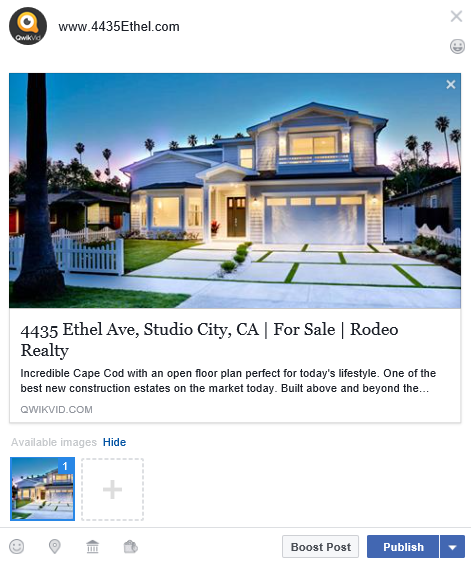
- Just enter the listings URL (ie. 123mianst.com). We include open graph meta tags in your listing so that an image and description will auto-populate. Of course, you can add/edit any info displayed before you post.
Sharing your video only
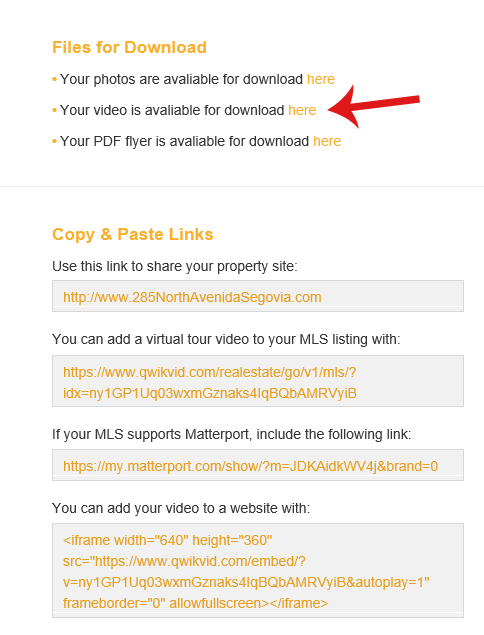
- Download your project video from qwikvid.com/go/projects/me/ or using the link provided in your order completion email.
- Click the "Add photos or video to your post" icon, and select the video file you downloaded in the step above.
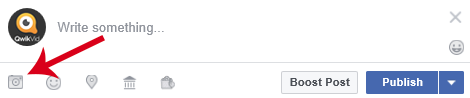
- Add any additional text you'd like to include in your post and press the publish button.